08 Calendar
How to Create a Curated Calendar in B1.church Admin
Steps
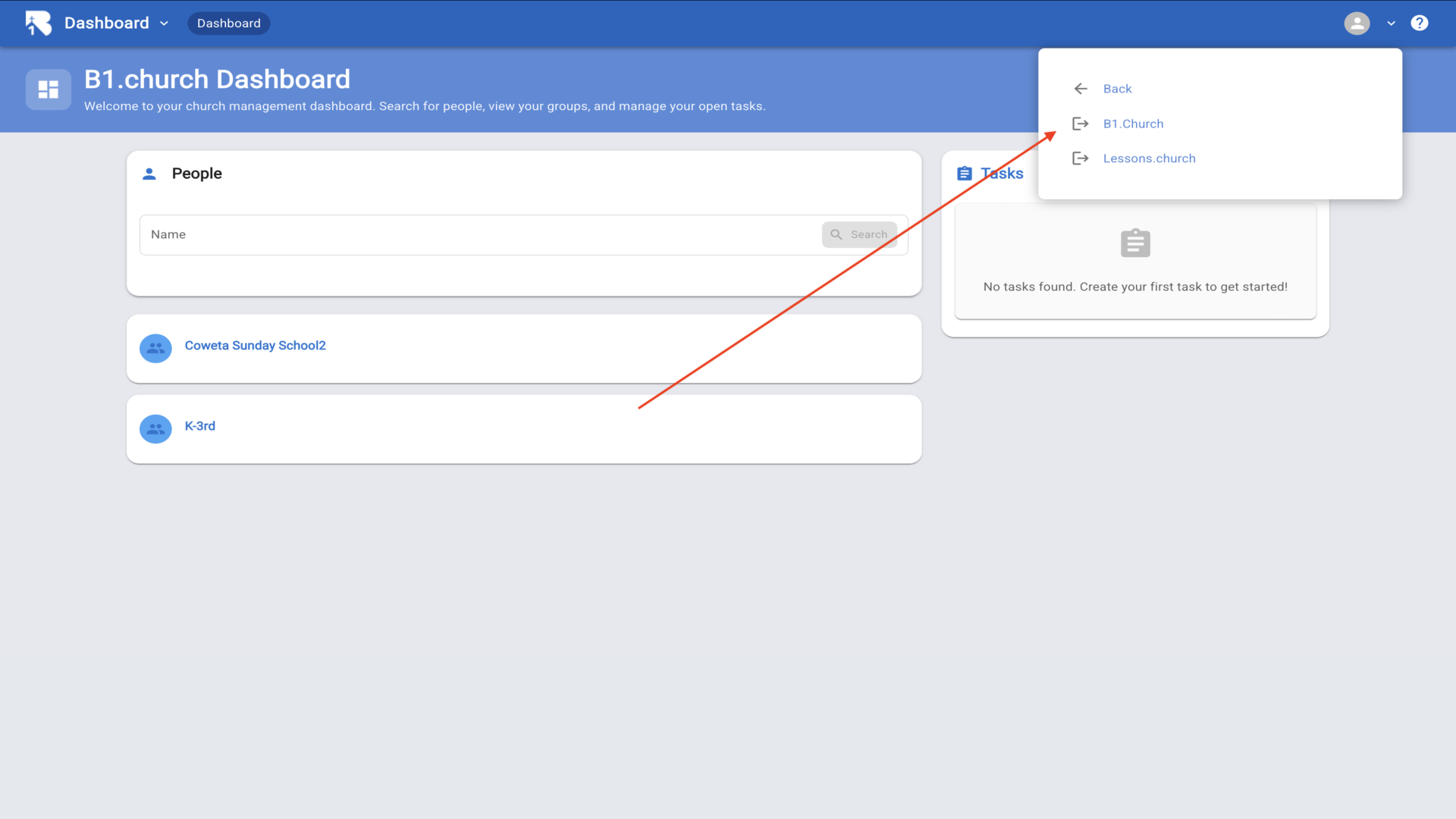
1.From the B1.church Dashboard click on B1.Church▼
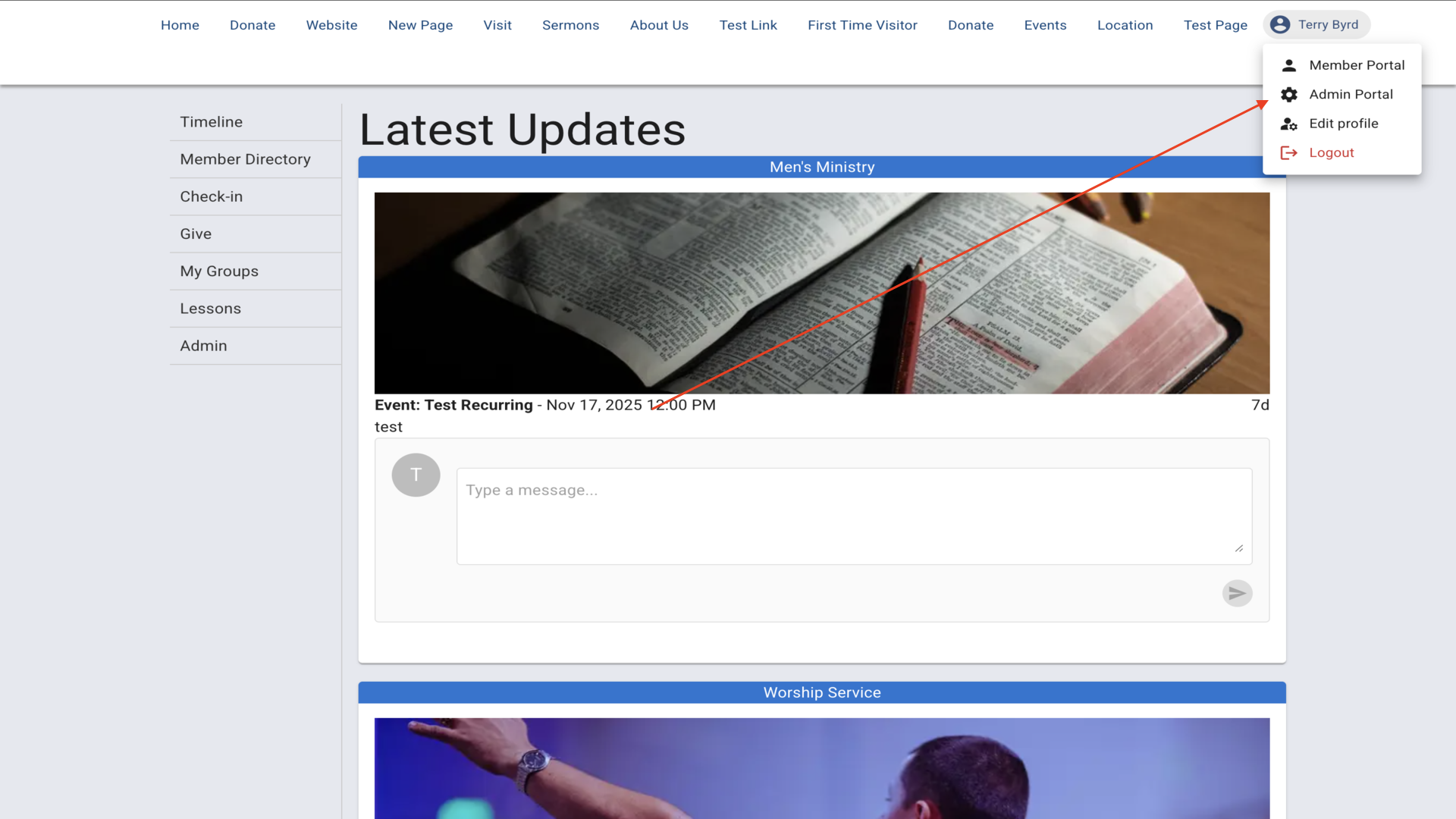
2.Click your name then Click the Admin Portal▼
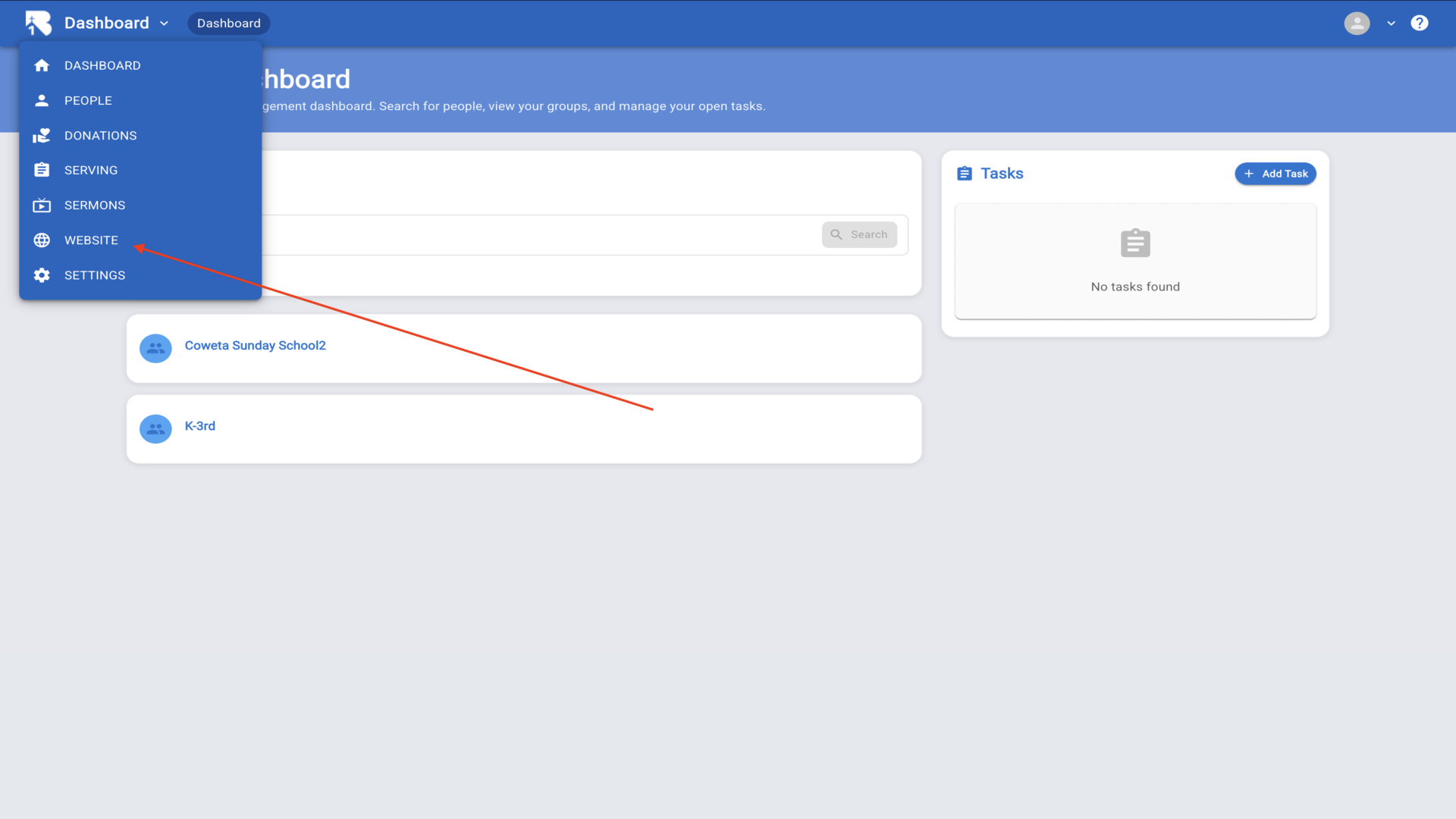
3.From the dashboard navigate to the Website section▼
4.Click on Calendars from the top navigation▼
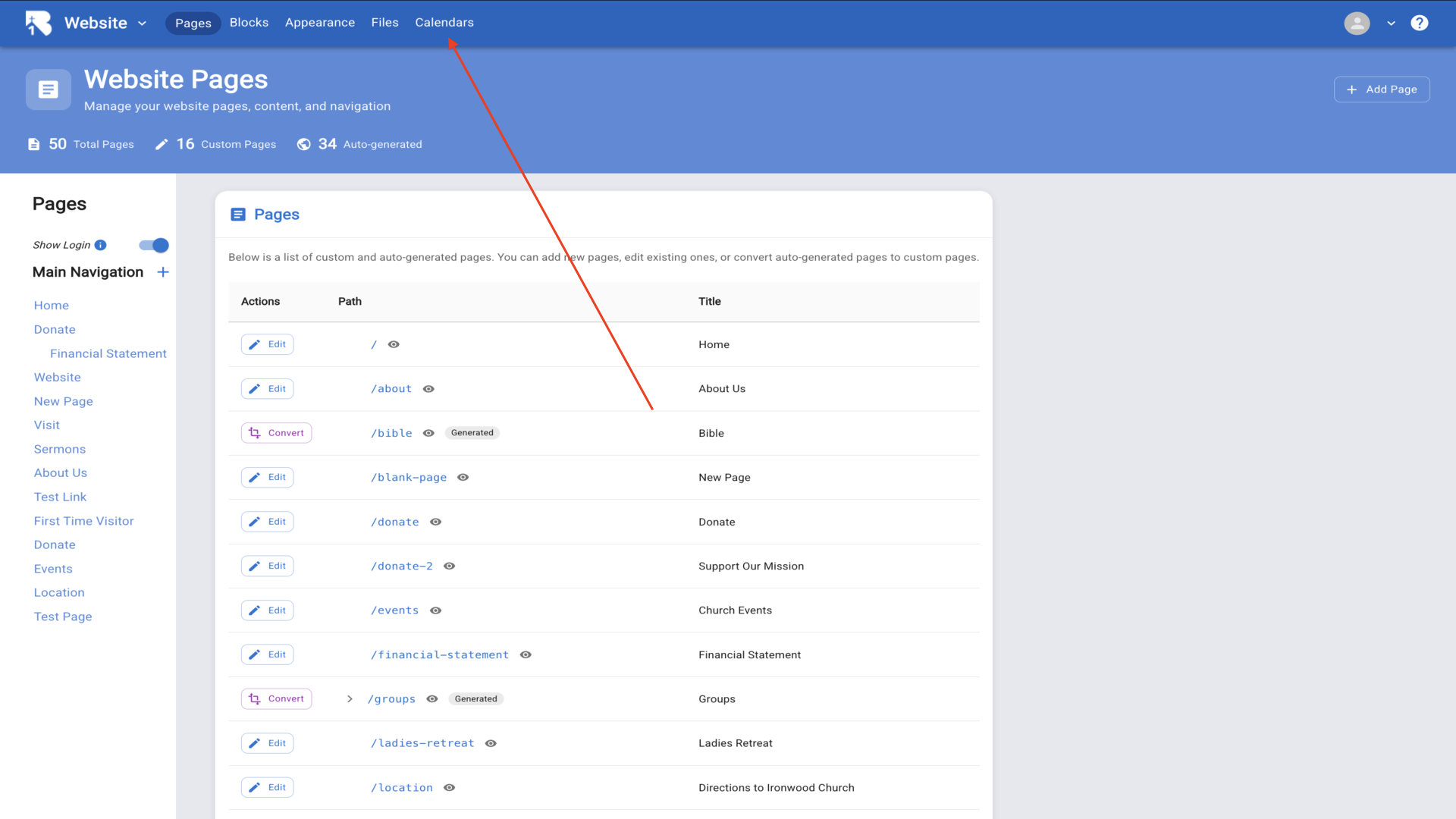
5.Click Add Calendar to create a new curated calendar▼
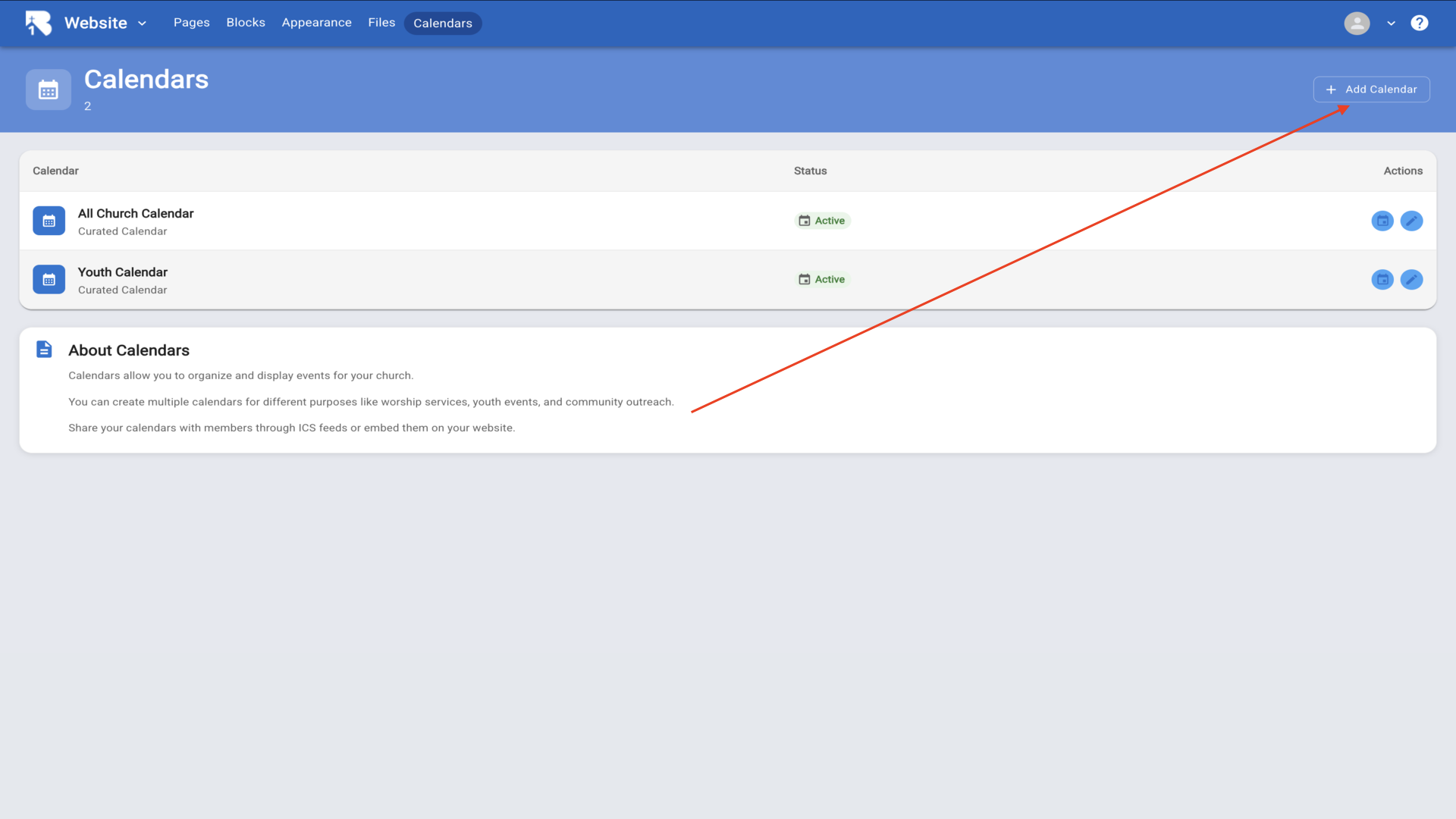
6.Give your calendar a name and click Create▼
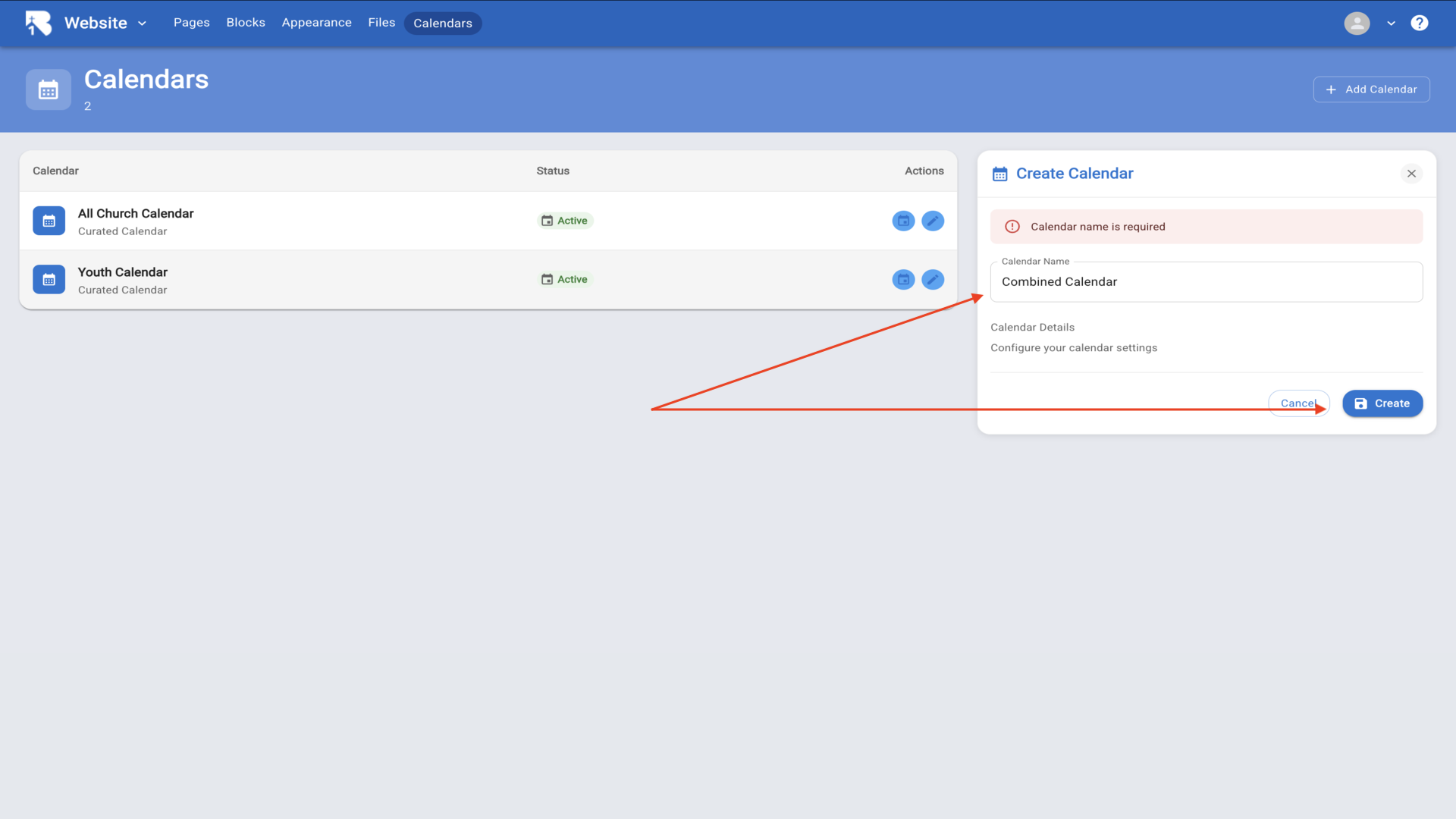
7.Click on the manage events icon to configure your new calendar▼
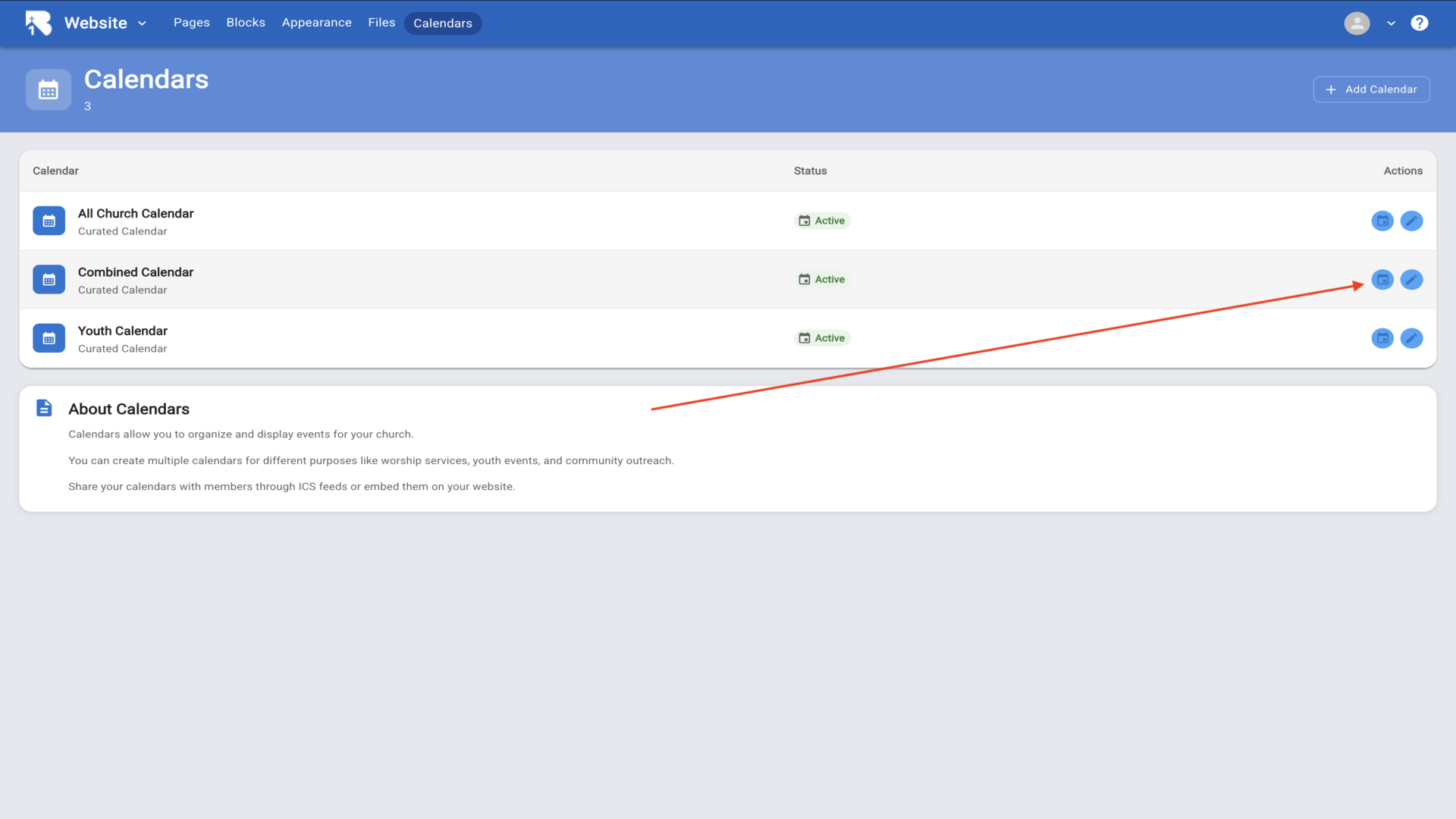
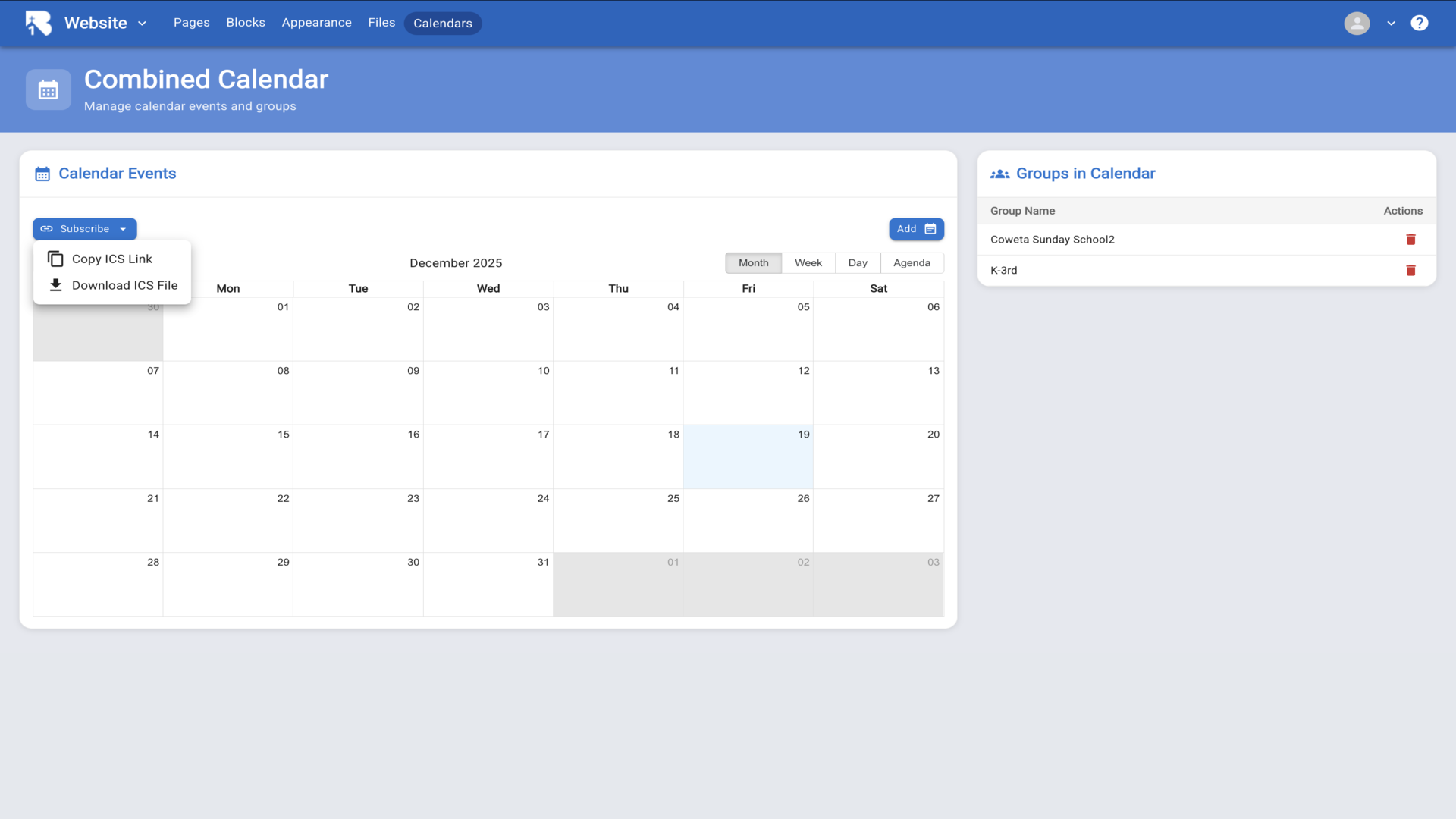
8.Click Add in the Groups in Calendar section to add groups▼
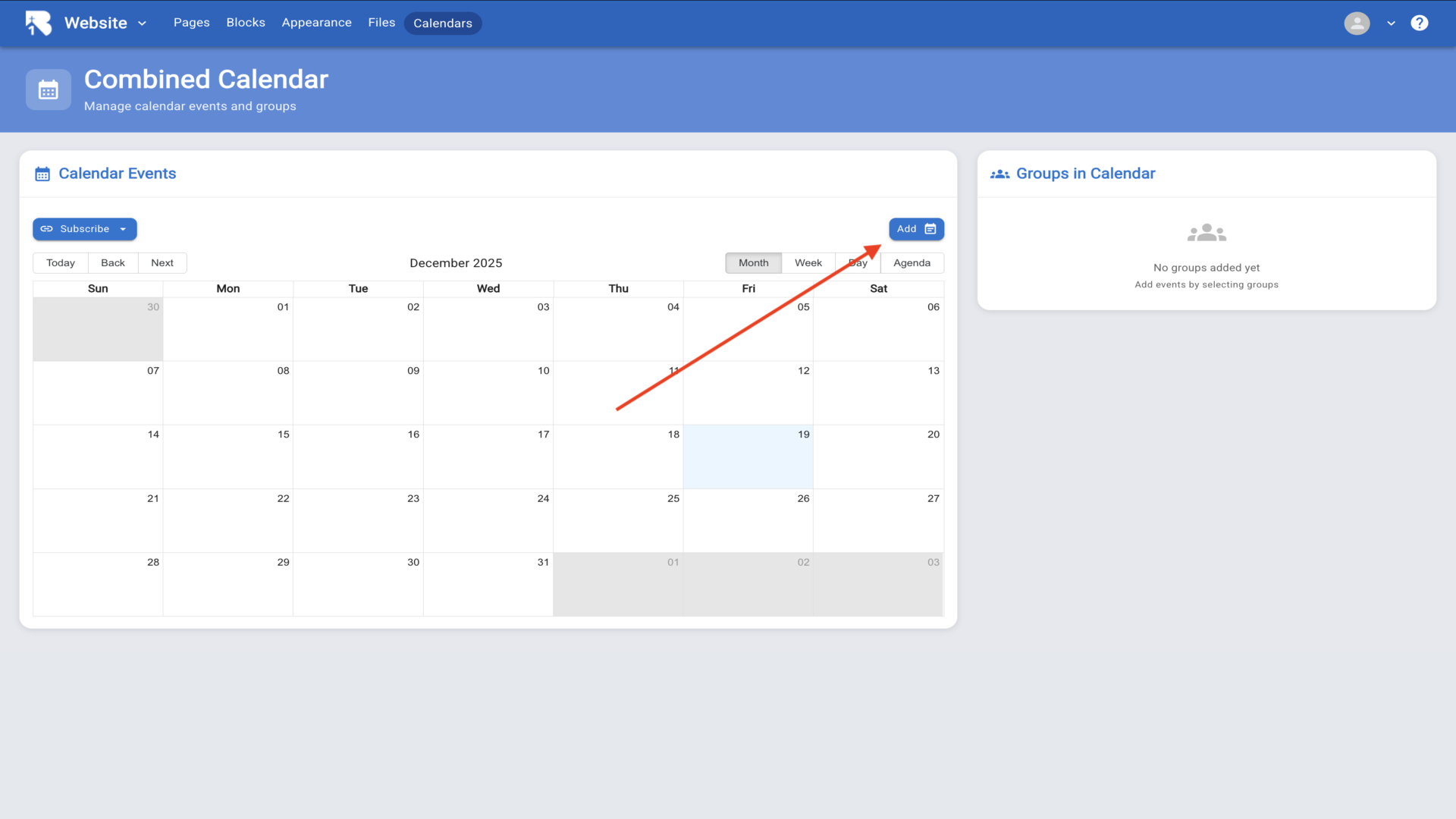
9.Select a group from the dropdown menu▼
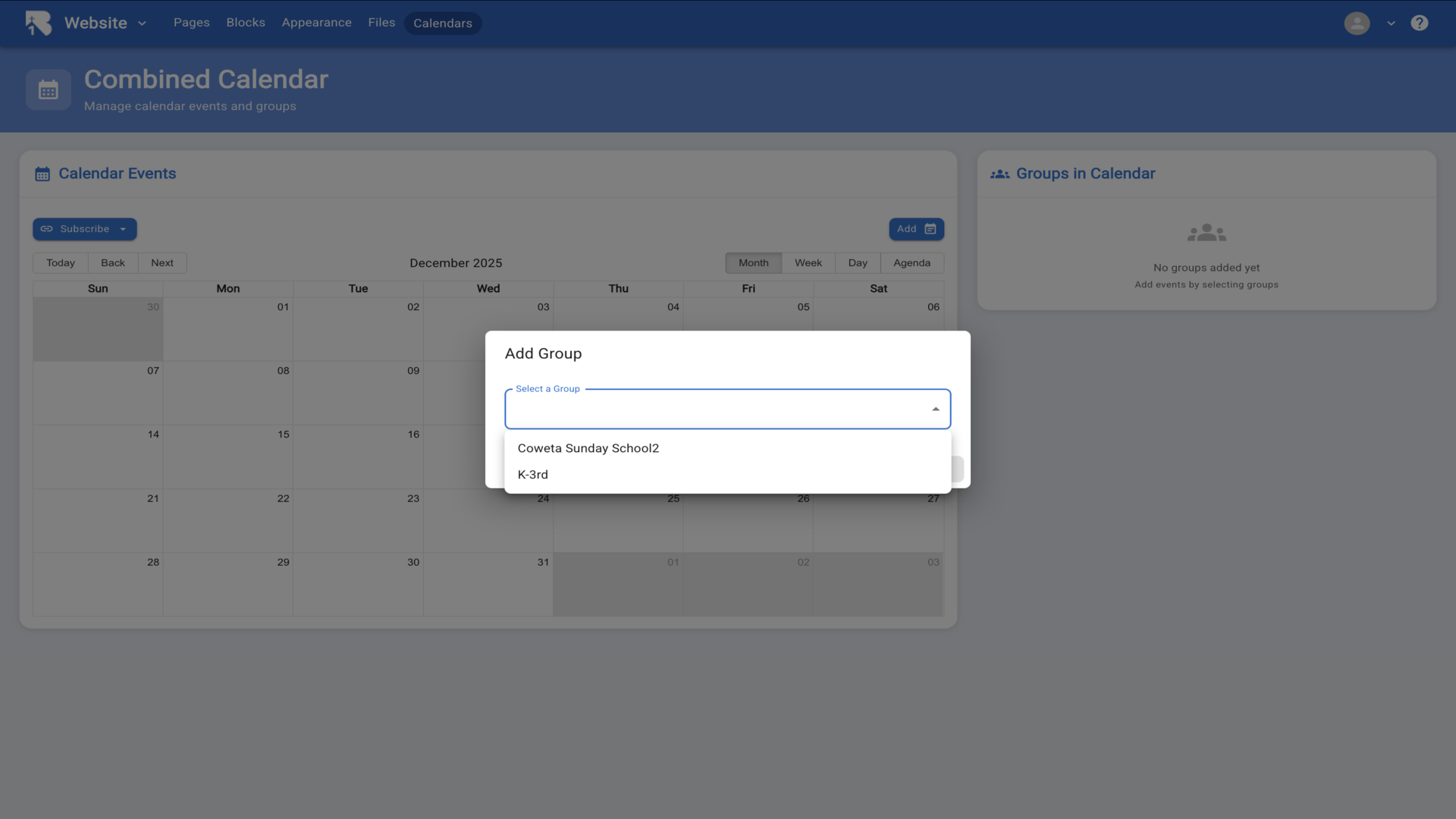
10.Choose whether to add all events or specific events then click Save▼
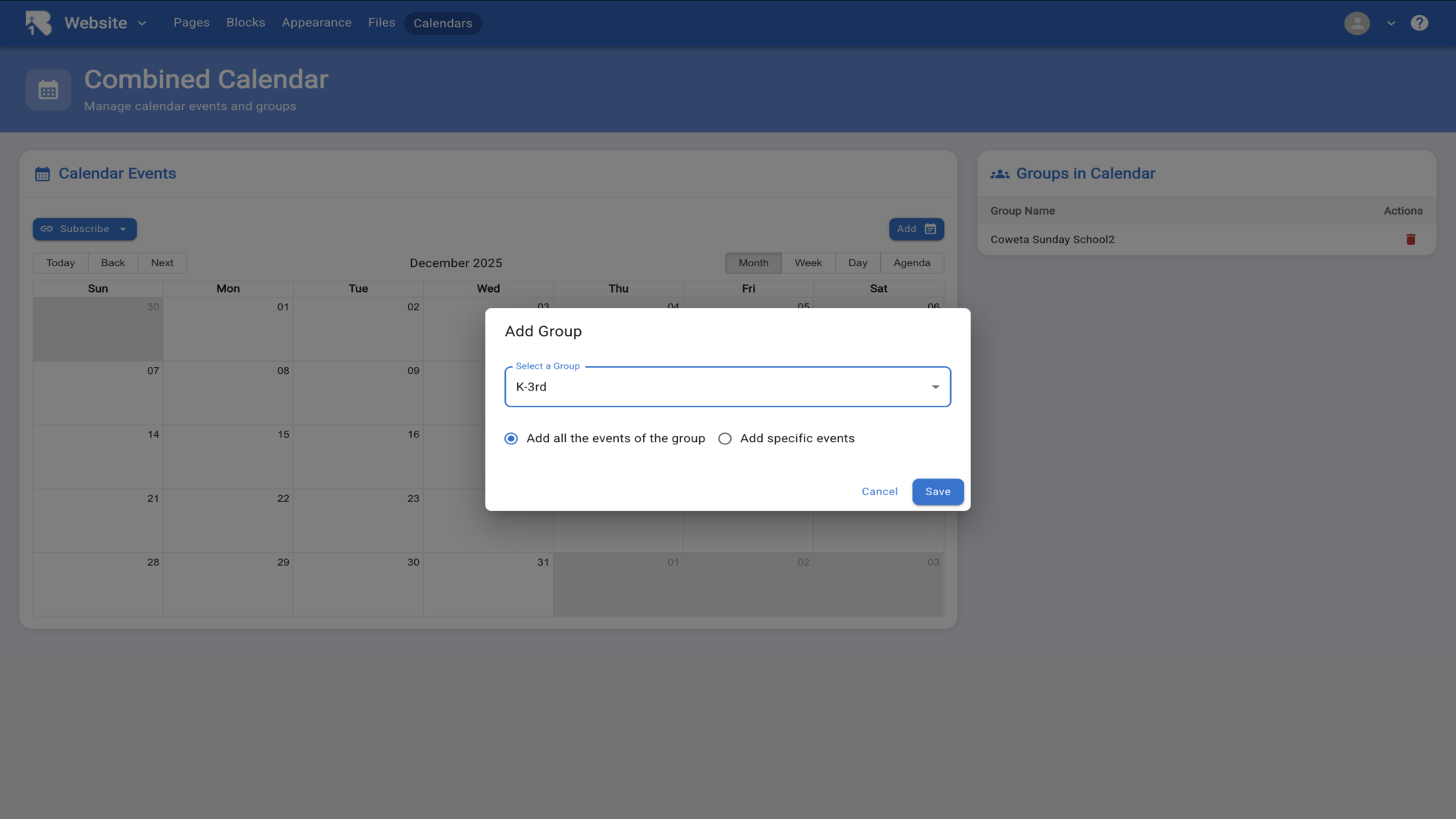
11.Add as many groups as you want to include in your curated calendar▼
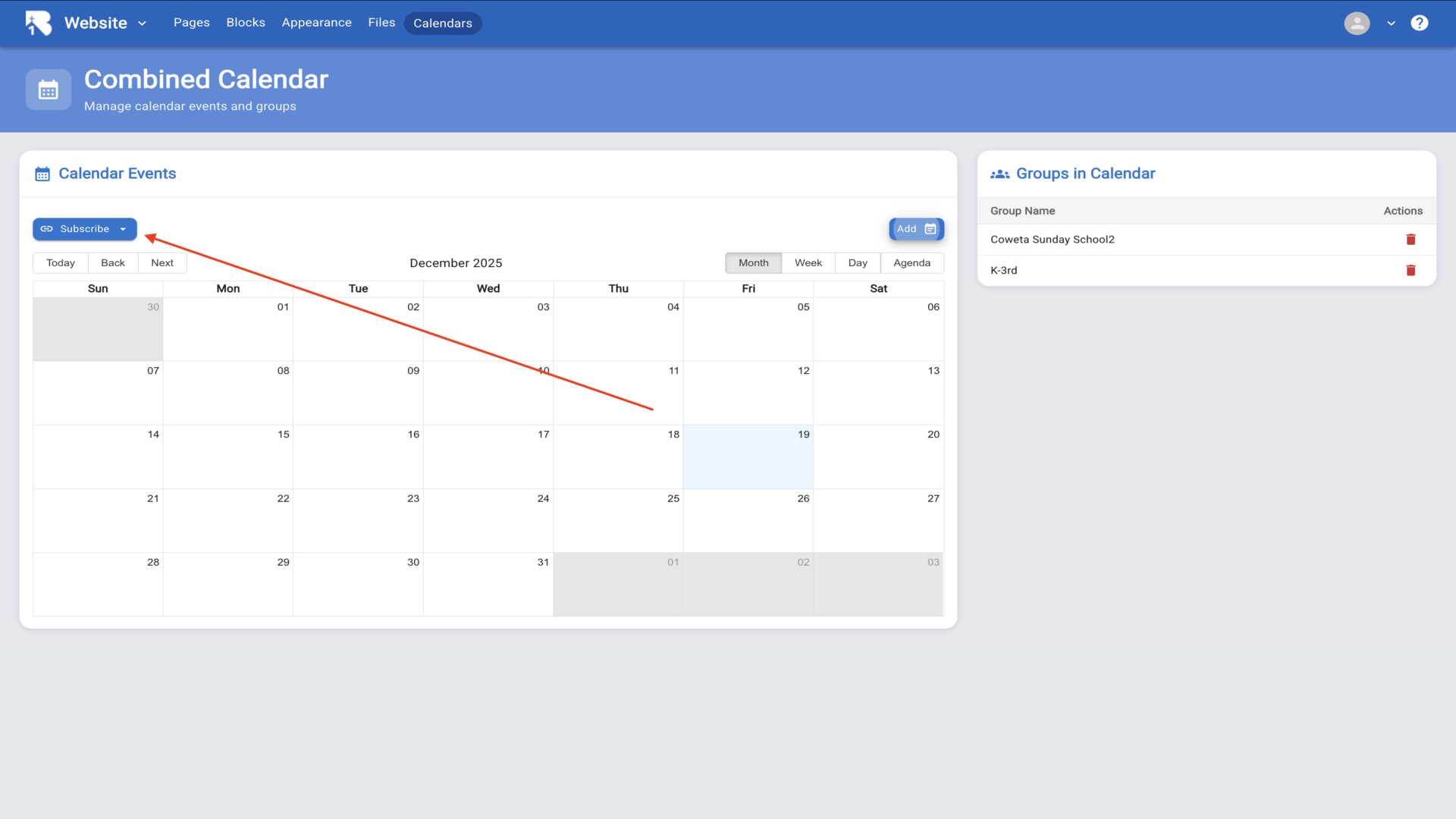
12.Click Subscribe to copy the ICS link or download the file to share your calendar. Your calendar can now be embedded on your website and mobile app▼